
Timecode vs Frames vs Seconds: The Editor's Conversion Guide
Every editor has to convert between timecode, frames and seconds. Here's how each works, why drop-frame timecode exists, and a free in-browser converter that handles all 8 common frame rates.
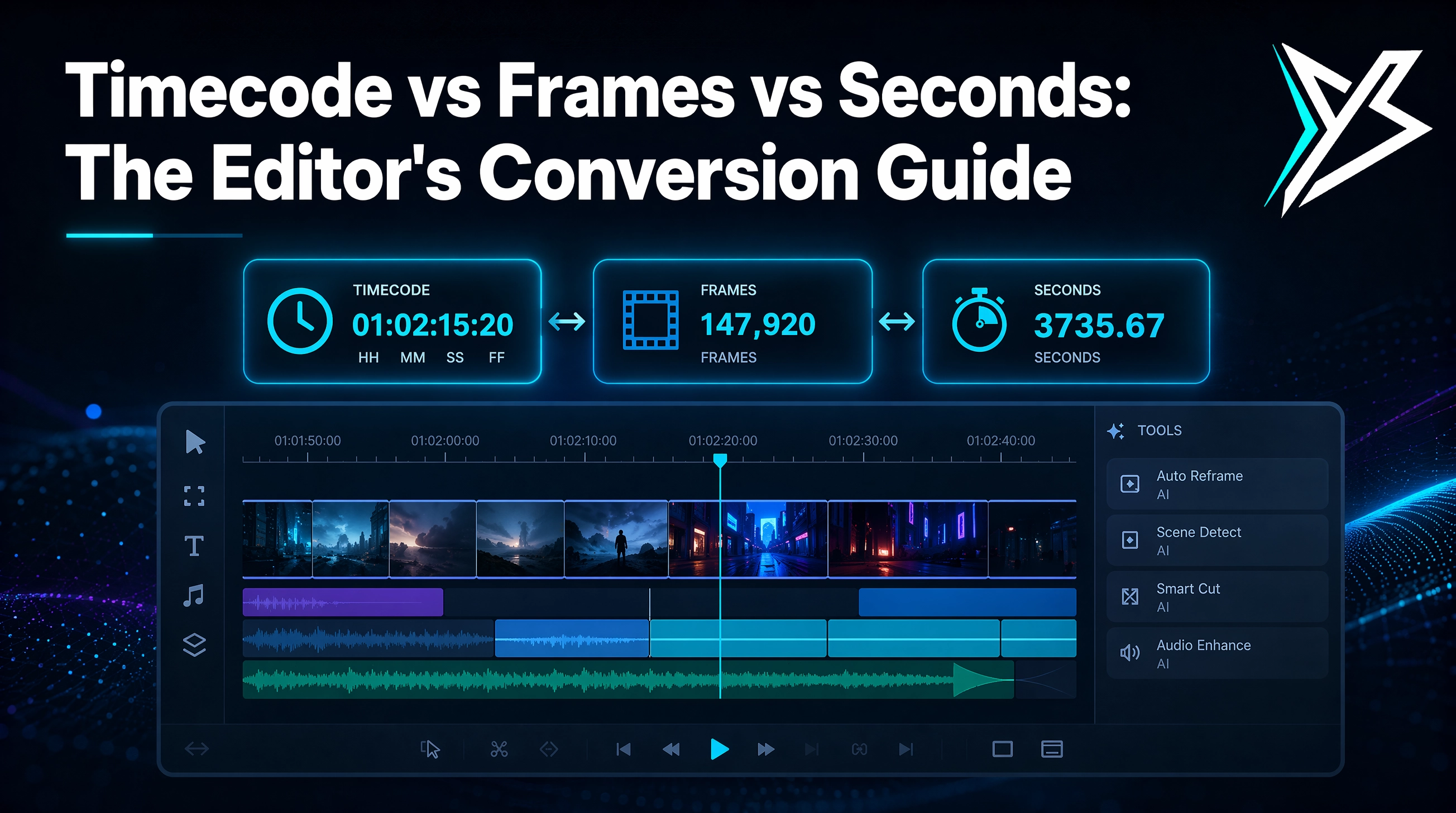
Every video editor speaks three time languages: timecode (HH:MM:SS:FF), frames (a count), and seconds (decimal). Premiere uses timecode. Subtitle files use seconds. Sound editors think in samples and frames. Spreadsheets and producers want seconds. Converting between them is a constant tax — and a place where small math errors compound into real delivery problems.
This guide explains how the three time formats work, why drop-frame timecode exists (and when it matters), and gives you a free in-browser converter that handles all eight common editorial frame rates.
→ Skip ahead to the free timecode converter if you just need the tool.
The three time formats
Timecode (HH:MM:SS:FF)
Editorial standard. Four fields — hours, minutes, seconds, frames — separated by colons. The frame field counts from 00 up to one less than the frame rate, then rolls over.
At 24 fps:
00:00:00:00 → 00:00:00:01 → … → 00:00:00:23 → 00:00:01:00
At 30 fps the frame field goes 00–29. Timecode is what you see in Premiere's Program monitor, your viewer, the bin's clip duration, the sequence ruler — everywhere.
Frames (integer count)
A single integer counting every frame from the start. The canonical truth — frame counts are exact integers, no rounding, no edge cases. After Effects, audio software (samples per frame), and most scripting APIs use frame counts.
At 24 fps, 1 hour = 86,400 frames. At 23.976 fps, 1 hour = 86,313 frames (drop-frame disabled) or close to 86,400 (drop-frame enabled — more on that below).
Seconds (decimal)
The civilian format. 3600.000 is one hour, 3661.500 is one hour, one minute, and 1.5 seconds. What every subtitle file, every captions standard, and every external system uses. Convert to seconds when you're talking to anything that isn't an NLE.
Why the three exist together
Each format is best at a different job:
| Format | Best at | Worst at |
|---|---|---|
| Timecode | Human-readable, editorial sync, broadcast delivery | Math (try adding 00:01:23:14 + 00:00:47:22 in your head) |
| Frames | Exact integer math, no rounding, audio sample alignment | Reading at a glance |
| Seconds | Captions, scripts, anything outside the NLE | Frame-accurate cuts |
That's why a single tool that converts between all three at the click of a button matters.
The 8 frame rates you'll actually see
Modern editorial uses 8 common frame rates. Knowing what each is for:
| fps | Where it's used | Notes |
|---|---|---|
| 23.976 | Cinema, prestige TV, most narrative | NTSC film sync rate, half of 47.952 |
| 24 | Hollywood cinema (true 24) | Used for theatrical only |
| 25 | PAL TV (Europe / Asia / Africa) | Clean integer, easy math |
| 29.97 | NTSC TV (US / Canada / Japan) | The drop-frame story below |
| 30 | YouTube default, web video | Clean integer |
| 50 | PAL TV high frame rate, slow-mo | 2× PAL base |
| 59.94 | NTSC TV high frame rate | 2× NTSC base |
| 60 | YouTube 60p, web high frame rate | Clean integer |
The free timecode converter supports all eight. Pick the rate, type a value in any format, the other two update live.
Drop-frame timecode (and why your timecode shows semicolons)
This is the part editors get tripped up on. NTSC video was set to 29.97 fps (not 30) for technical reasons going back to color TV in the 1950s. That fraction creates a drift problem: counting at 30 frames per second but actually displaying 29.97 means your timecode reads slightly ahead of wall-clock time as you go.
After one hour of real time, non-drop-frame timecode shows about 3.6 seconds more than the actual elapsed time.
The fix: drop-frame timecode (DF) skips the first two frame numbers of every minute (except every 10th minute) to compensate. The frames are still there in the video — only the labels are skipped. After one hour, DF timecode lines up almost exactly with wall-clock time.
Drop-frame timecode displays with semicolons (00:00:01;00) instead of colons (00:00:01:00). When you see semicolons in Premiere, that's drop-frame.
When drop-frame matters:
- Broadcast delivery (must be DF)
- Anything where timecode must equal wall-clock time
- 29.97 and 59.94 fps sequences
When you can ignore it:
- 23.976, 24, 25, 30, 50, 60 fps — drop-frame isn't applicable
- Personal projects under ~30 minutes (drift is too small to notice)
- Web delivery (frames don't get carried as DF metadata to the web)
Our timecode converter uses non-drop counting at the rounded fps integer. That matches how Premiere displays non-drop timecode and produces clean frame-aligned conversions. For drop-frame delivery, expect ~3.6s of drift per hour.
The math, briefly
Seconds → frames
frames = round(seconds × fps)
At 24 fps, 3.5 seconds = 84 frames.
Frames → seconds
seconds = frames / fps
84 frames at 24 fps = 3.5 seconds exactly.
Frames → timecode
total = frames
F = total mod fps
S = floor(total / fps) mod 60
M = floor(total / (fps × 60)) mod 60
H = floor(total / (fps × 3600))
timecode = HH:MM:SS:FF
This is the non-drop counting our tool uses. Drop-frame adds an extra "skip 2 frames per minute" rule.
Timecode → frames
frames = H × 3600 × fps + M × 60 × fps + S × fps + F
For 23.976 fps work, our tool rounds fps to 24 for slot counting (matches Premiere's non-drop display). 23.976-frame-accuracy math without rounding is possible but the answers diverge from what you see in Premiere — so the tool optimizes for "matches Premiere" over "exact decimal accuracy."
Common timecode problems
"My delivery says 01:00:00:00 but my actual duration is 59:56:24" You're reading 29.97 NDF timecode and the delivery spec assumes DF. Switch the sequence to drop-frame.
"The SRT timestamps don't line up with my Premiere markers" SRT uses seconds with millisecond precision. Premiere uses timecode at fps. Convert your markers via the timecode converter or export your markers in seconds format.
"After Effects shows different frame numbers than Premiere" After Effects counts from frame 0 by default; Premiere displays HH:MM:SS:FF starting at the sequence's start timecode (often 01:00:00:00). Compare frame counts, not timecode.
"My audio is one frame off when I conform a 29.97 file to a 23.976 timeline" You're hitting the classic NTSC-to-film conform issue. Use a pulldown setting (3:2) or re-encode the source — don't just relabel.
Practical example: a podcast deliverable
A typical scenario:
You cut a podcast in Premiere at 23.976 fps. The host needs:
- An SRT file (seconds) — use Premiere's Caption export, or Yond Whisper to generate it from the cut
- A CSV of chapter markers (seconds, for YouTube and the podcast host)
- A frame-accurate cut list (frames, for the audio engineer's DAW)
You need all three at the same anchor points. The fastest path:
- Place markers in Premiere at the right timecode points
- Export markers as CSV with timecode
- Open the timecode converter, feed each timecode through it, copy out the seconds and frames
…or, if you're using YondCut, Yond Whisper produces a per-line transcript with timestamps that work as a starting point for both chapters and SRT in one pass.
FAQ
Why doesn't 23.976 give a nice whole number for frames per minute? Because the rate isn't a clean integer. 23.976 × 60 = 1438.56 frames per minute. At our tool's rounded fps of 24, we count 24 × 60 = 1440 frames per minute — exact whole number, slightly off wall-clock, perfectly aligned with Premiere's non-drop display.
Is the converter free? Yes — fully free, browser-only, no signup. See the timecode converter.
Will the answers match my Premiere timecode display? Yes for non-drop timecode at all 8 supported rates. For 29.97 DF or 59.94 DF specifically, expect ~3.6s drift per hour because the tool counts non-drop.
What's the smallest unit I can convert? One frame. At 60 fps that's 16.67 ms — finer than human reaction time.
Why doesn't the tool support 47.952 fps or other obscure rates?
Modern editorial uses the 8 rates we list. If you have a niche frame rate (47.952 for HFR cinema, 119.88 for slow-mo), compute manually as frames = seconds × fps.
Next steps
- Free timecode converter — convert between TC, frames, and seconds at 8 common rates
- Yond Cut Silences — detect every silent gap on your timeline (across nested sequences) and razor-cut them
- Yond Whisper — local AI transcription with frame-accurate timestamps
- How to fix out-of-sync subtitles — when SRT timing is off
YondCut Team
May 31, 2026