
Blog
Insights & Tutorials
Tips, updates, and guides to level up your editing workflow.
How to Avoid YouTube Demonetization and TikTok UI Cropping in 2026
Don't let the algorithm kill your reach or revenue. Learn how to preview TikTok/Reels UI overlays before you export, and how to scan your YouTube scripts for demonetization trigger words.
The Ultimate Guide to Formatting Video Subtitles in 2026
Subtitles are no longer optional. 85% of videos on social media are watched on mute. Learn the industry standards for subtitle formatting, character limits, and the best free tools to validate your SRT and VTT files.
5 Free Premiere Pro Tools Every Editor Should Bookmark in 2026
Editing video takes long enough. Stop wasting time doing math for slow motion or searching forums for shortcuts. Here are 5 free, browser-based tools that will speed up your Adobe Premiere Pro workflow.
The 12 Best Premiere Pro Extensions & Plugins for 2026
We've installed and tested every notable Adobe Premiere Pro extension shipping in 2026. Here are the 12 that earn their place in a working editor's stack — sorted by what they actually do.
How to Fix Out-of-Sync Subtitles in Premiere Pro (3 Ways)
Subtitles ahead or behind your dialogue in Premiere Pro? Here are three proven fixes — including a free in-browser SRT shifter and a one-click AI workflow that keeps captions in sync from the start.
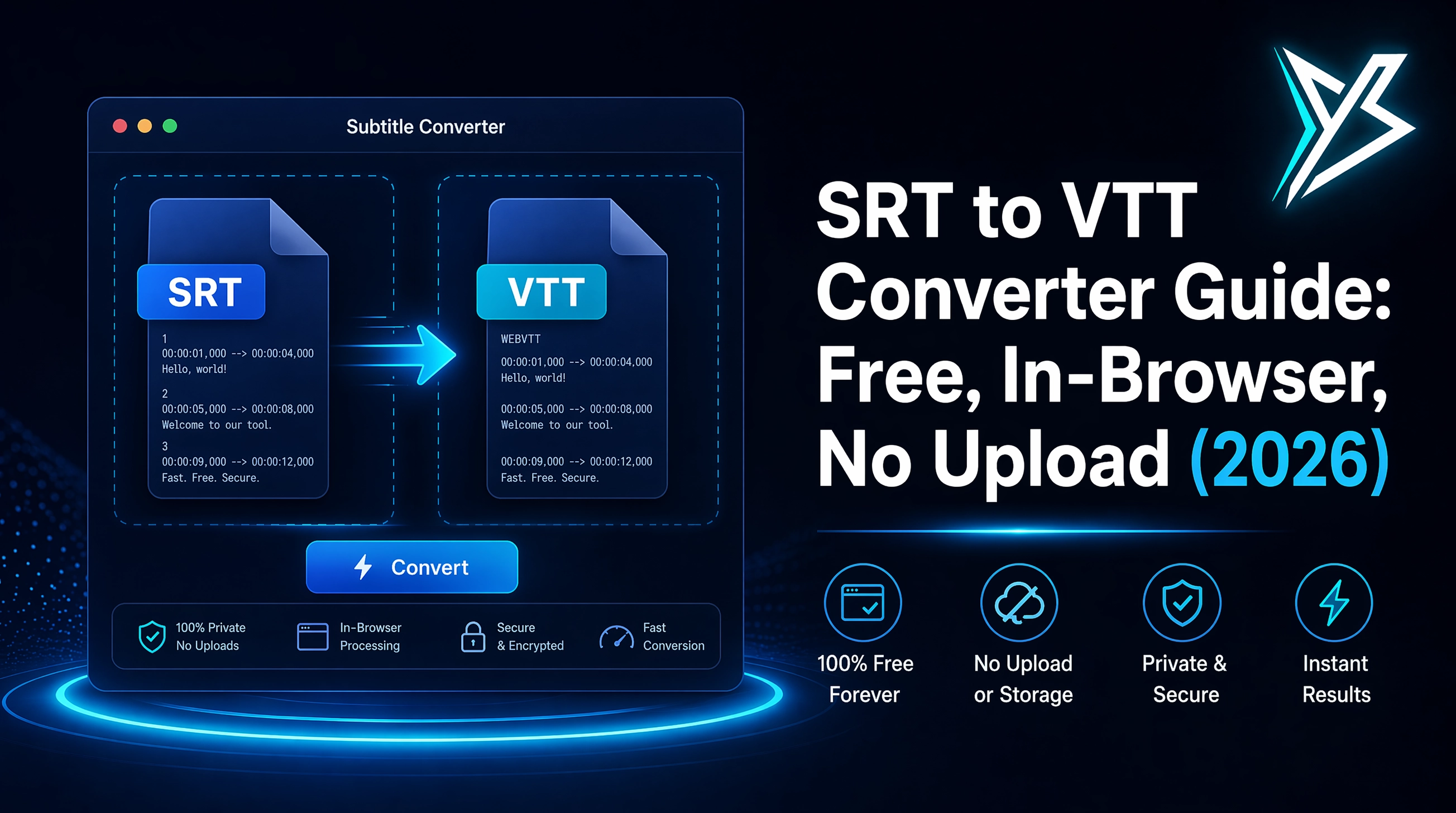
SRT to VTT Converter Guide: Free, In-Browser, No Upload (2026)
Need to convert subtitles between SRT, VTT and ASS? Here's how the formats differ, when to use each, and a free in-browser converter that never uploads your files.
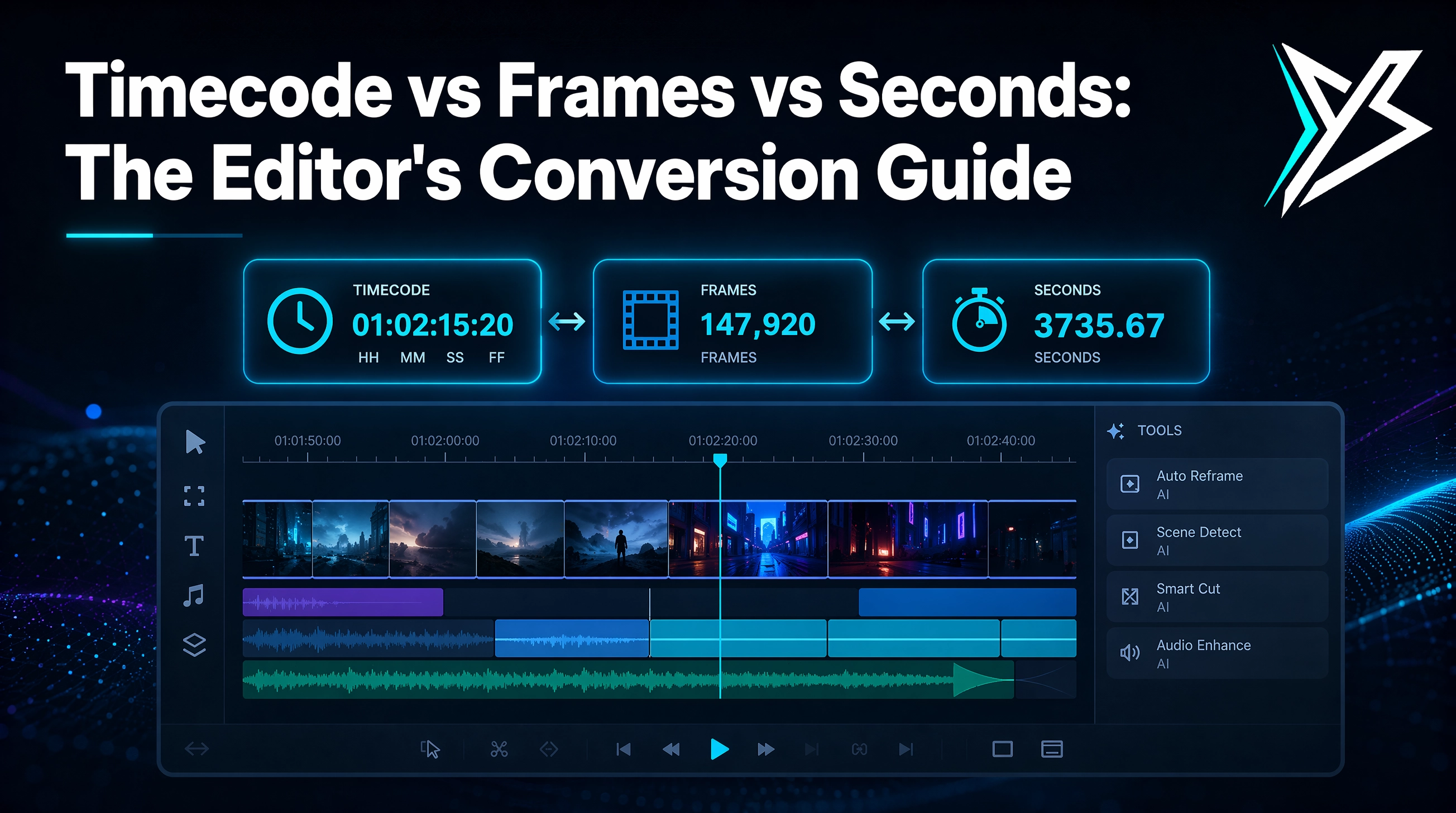
Timecode vs Frames vs Seconds: The Editor's Conversion Guide
Every editor has to convert between timecode, frames and seconds. Here's how each works, why drop-frame timecode exists, and a free in-browser converter that handles all 8 common frame rates.
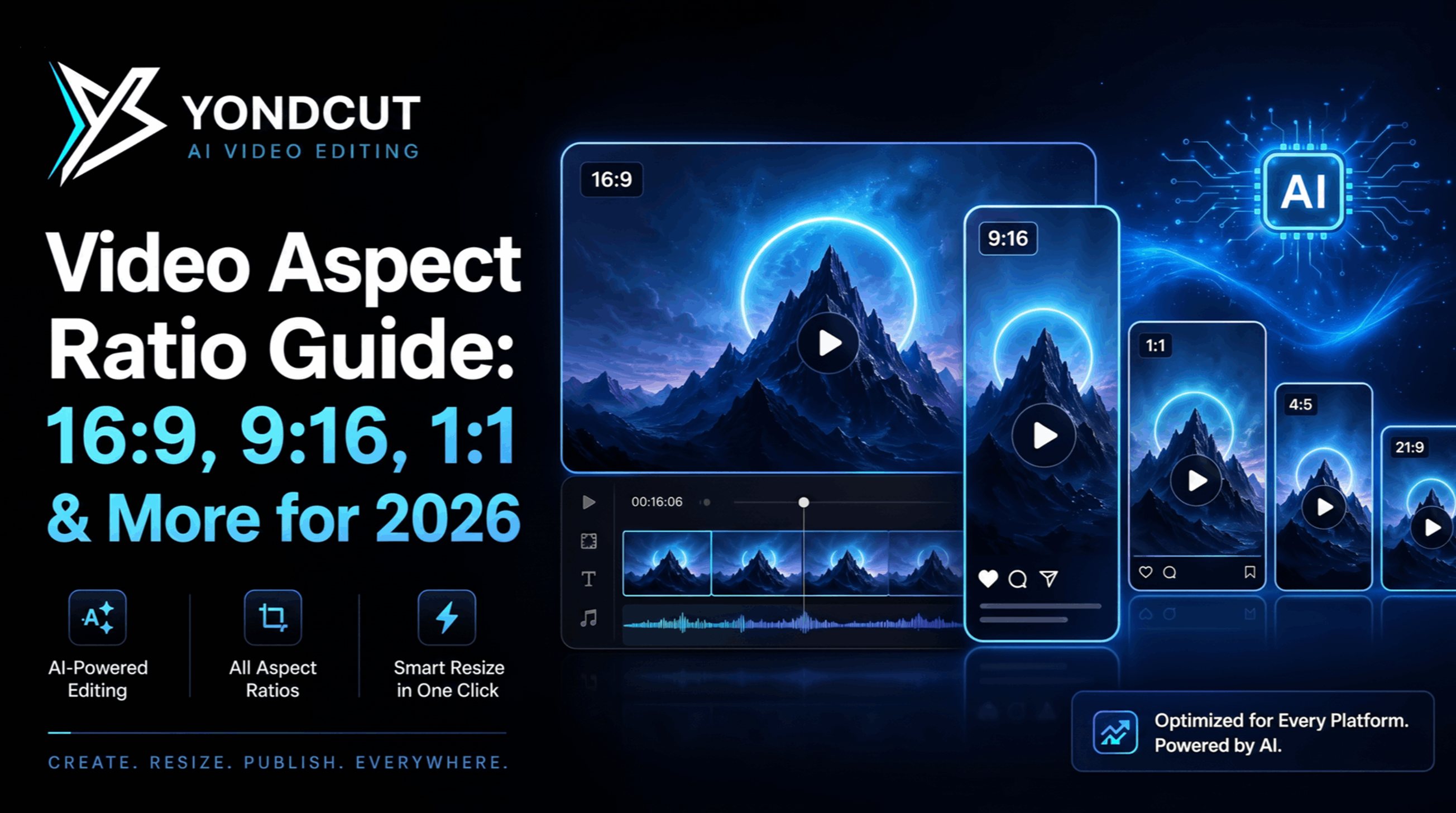
Video Aspect Ratio Guide: 16:9, 9:16, 1:1 & More for 2026
Every modern video creator delivers in multiple aspect ratios. Here's the complete guide — what 16:9, 9:16, 1:1, 4:5 and 21:9 mean, when to use each, and how to reframe without losing your subject.
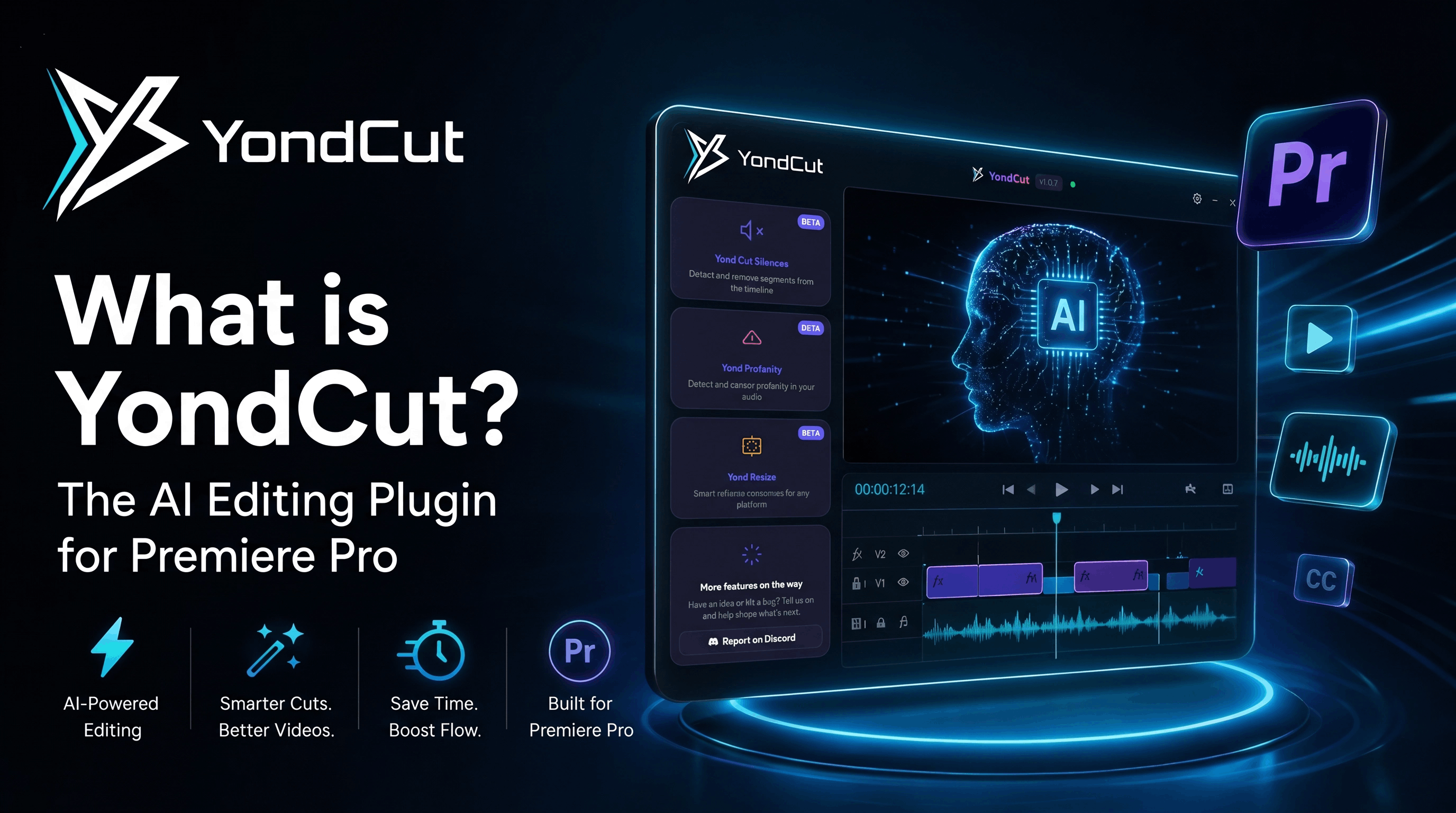
What is YondCut? The AI Editing Plugin for Premiere Pro
YondCut is an AI-powered plugin that automates the boring parts of editing in Adobe Premiere Pro — silence removal, transcription, captions, profanity censoring, and smart reframing. Here's a full breakdown of what it does and who it's for.
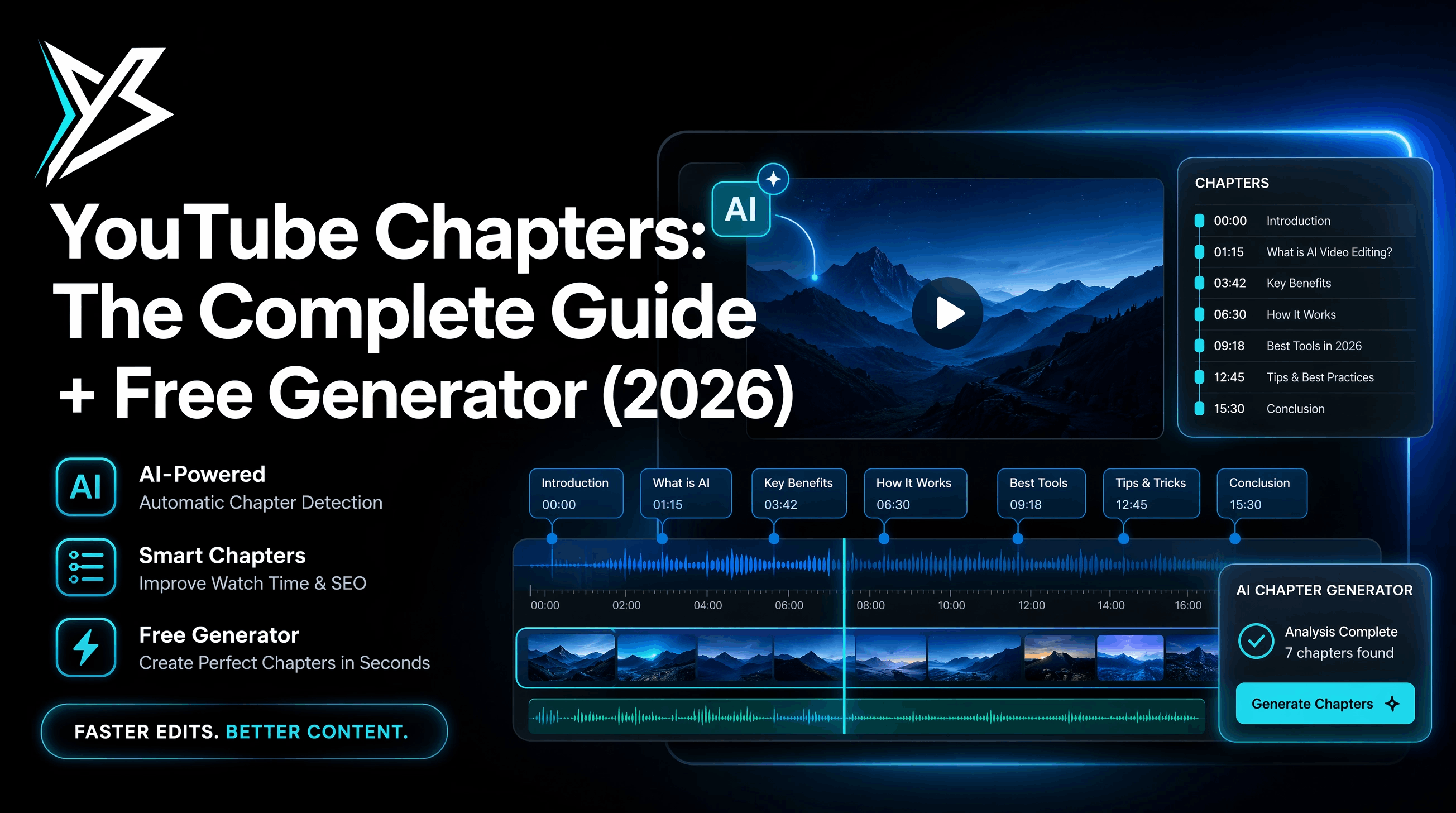
YouTube Chapters: The Complete Guide + Free Generator (2026)
YouTube chapters boost watch time and discovery — but the platform's 4 strict rules make them easy to mess up. Here's everything you need plus a free, browser-only generator that validates every rule live.
Start Editing Smarter Today
Try YondCut Pro free for 7 days. No credit card required. Cancel anytime.
No credit card required · Cancel anytime · Full AI Creator features