
YouTube Chapters: The Complete Guide + Free Generator (2026)
YouTube chapters boost watch time and discovery — but the platform's 4 strict rules make them easy to mess up. Here's everything you need plus a free, browser-only generator that validates every rule live.
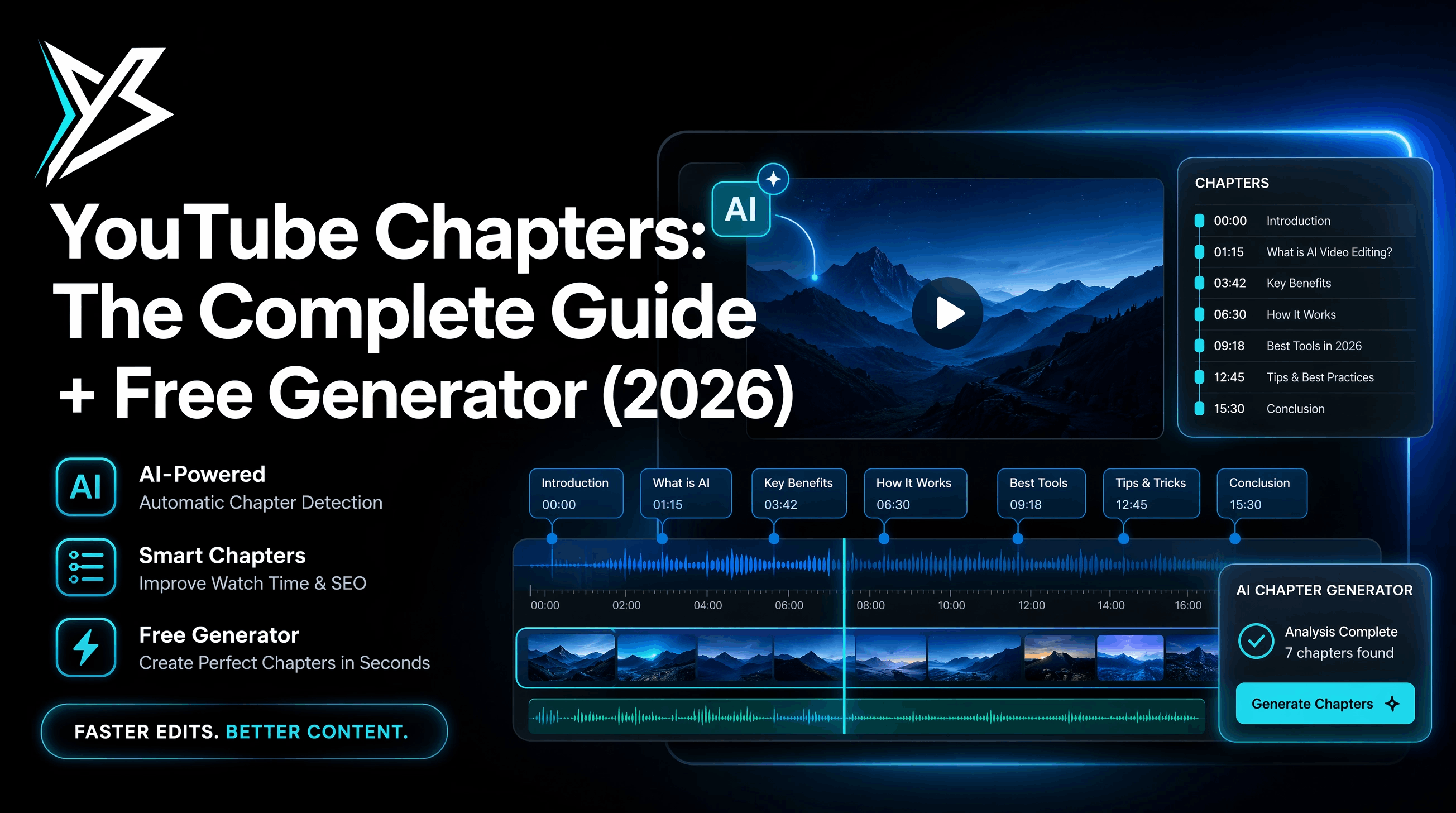
YouTube chapters are one of the highest-leverage tweaks you can make to a video description. They increase average watch time, let viewers jump to the part they came for, and they're a confirmed YouTube ranking signal. They're also one of the most frequently broken features on the platform — most creators format their chapters wrong on the first try and then can't figure out why they're not showing.
This guide explains exactly how YouTube chapters work, the 4 rules YouTube enforces, common reasons your chapters silently fail to appear, and a free chapter generator that validates every rule before you publish.
→ Skip ahead: the free YouTube chapter generator.
What YouTube chapters actually are
Chapters split your video into named sections so viewers can:
- See section names in the progress bar when they hover
- Jump to any chapter by clicking it
- See chapters in search results as a "deep link" rich snippet
They render automatically when YouTube detects a properly-formatted timestamp list in your video description. There's no upload, no menu, no special editor — chapters are entirely description-driven.
The 4 rules YouTube enforces
Break any one of these and YouTube silently fails to render chapters. There's no warning, no notification — they just don't appear.
| # | Rule | What it means |
|---|---|---|
| 1 | First chapter must start at 00:00 | The very first timestamp in your list must be 00:00 or 0:00. Anything else (00:01, 0:05) and YouTube refuses to parse the list. |
| 2 | Minimum 3 chapters | You need at least three timestamps to enable chapters. Two won't trigger it. |
| 3 | Each chapter must be at least 10 seconds long | Two timestamps less than 10 seconds apart fail the whole list. |
| 4 | Timestamps must increase | Every timestamp must be later than the previous one. A typo like 02:15 followed by 02:13 kills the entire chapter list. |
That's it. Get those four right and YouTube renders chapters on the next index pass (usually a minute, occasionally a few hours).
How to format a YouTube chapter list
A valid chapter list looks like this — one chapter per line, timestamp first, then a space, then the title:
00:00 Intro
01:25 Why your edits feel slow
04:10 The 60-second rule
08:45 Demo: editing with YondCut
15:30 Wrap-up
A few formatting rules:
- Use
MM:SSfor videos under one hour.00:00,01:25, etc. - Use
HH:MM:SSfor videos one hour or longer.0:00:00,1:23:45, etc. - One space between the timestamp and the title. Multiple spaces, tabs, or em-dashes can break parsing.
- Don't number your chapters. "1. Intro" doesn't work — drop the number.
- No emoji or special characters in the timestamp. Plain numbers and colons only.
Build a valid chapter list in seconds
Type chapters by hand, get them wrong, retry, get them wrong again, learn the rules the hard way — that used to be the process. Now the fastest path is our free YouTube chapter generator, which validates all 4 rules live as you type:
- Open the chapter generator
- Type your timestamps and titles into the editor on the left
- Watch the output panel on the right — green means you're YouTube-valid, red means a rule failed and the panel tells you which one
- Copy the output and paste it into your video description
It's 100% browser-side — no signup, no upload, no AI cost. Your chapter titles never leave the page.
Why your chapters aren't showing
The top reasons creators hit "publish" and don't see chapters:
"I have chapters but they're not appearing"
Run through the 4 rules above. Most failures are:
- First timestamp isn't
00:00 - One pair of chapters is < 10 seconds apart
- A typo made a timestamp go backwards
- You only have two chapters
"YouTube parsed some chapters but not all"
YouTube usually parses everything or nothing — but a malformed line in the middle can sometimes terminate the chapter list early. Use the chapter generator to catch malformed lines before you publish.
"Chapters appeared then disappeared"
This usually means you edited the description after publish in a way that broke parsing (deleted a chapter, removed the 00:00 line, made two chapters too close). Re-validate and re-save.
"Chapters work on desktop but not mobile"
Almost always a delayed re-index — wait a few hours. If they still don't appear on mobile after 24 hours, the description has some formatting that mobile's parser rejects (sometimes a stray non-breaking space or Unicode character). Strip and retype.
How long should each chapter be?
YouTube doesn't have a max chapter length, but viewer-data heuristics suggest 45–90 seconds as the sweet spot for tutorial / how-to content. Long-form podcasts naturally have longer chapters (5–15 minutes).
You don't need a chapter every 30 seconds — that fragments the progress bar and confuses viewers. Make chapters reflect actual content shifts ("Setup", "Demo", "Common mistakes", "Wrap-up"), not arbitrary time slices.
Chapters for short-form video
YouTube Shorts and most short-form (under 1 minute) don't show chapters even if the description has them. Chapters require at least 3 segments × 10 seconds = 30 seconds of video minimum, but in practice Shorts under 60 seconds typically don't trigger the chapter UI.
If you're cutting short-form, save the chapter list for the long-form upload and use on-screen text or scene cuts instead.
Pulling chapters from your script or transcript
The fastest way to write chapter titles for long content (podcasts, interviews, tutorials) is to start from a transcript. Read it, mark the natural section boundaries, write a title per section.
Yond Whisper in YondCut transcribes your Premiere Pro timeline audio locally — no upload, no per-minute fee — with per-line timestamps. Skim the transcript, drop in chapter timestamps where the conversation shifts, paste into the chapter generator, copy to YouTube.
For a 1-hour interview, this whole process takes ~10 minutes instead of the ~30+ it takes to scrub the timeline by ear.
SEO benefits of chapters
YouTube confirmed in 2021 that chapters are a ranking signal, and the data has held up since:
- Higher average watch time — viewers can skip to their interest, watch that section, then explore others
- More keywords in metadata — each chapter title is a YouTube-indexed surface
- Rich snippets in Google search — chapters often appear as Google search results' clickable sub-links
- Discovery via "Key moments" — chapters seed YouTube's auto-generated key-moment overlays
Chapters are one of the few "polish steps" with measurable SEO ROI. Skipping them on long-form is leaving distribution on the table.
FAQ
Are YouTube chapters free? Yes — they're a free YouTube feature. The chapter list lives in your video description.
Can chapters be edited after publish? Yes. Edit your video description, save, and chapters re-render on the next index pass.
Does YouTube count chapter clicks separately? Chapter views are rolled into the video's total view count, but YouTube Analytics breaks out average watch time per chapter so you can see which sections retain best.
Do chapters work on YouTube Shorts? No. Chapters require minimum 3 × 10s = 30s. Most Shorts are under that, and the Shorts UI doesn't expose chapters anyway.
Will Spotify / Apple Podcasts use the same chapters? No. Podcast platforms use a separate chapter standard (Podcasting 2.0 chapters or ID3 chapters embedded in the MP3). The text format is similar but the delivery is different. If you republish a YouTube video as a podcast, generate the chapters once and re-format for each platform.
Is the chapter generator free? Yes — fully free, browser-only, no signup.
Next steps
- Free YouTube chapter generator with live validation
- Yond Whisper — transcribe locally, find your chapter boundaries faster
- How to fix out-of-sync subtitles — the other YouTube polish step
- Best Premiere Pro extensions for 2026 — see how YondCut compares
YondCut Team
May 31, 2026